The short answer
Claim your profile, verify it, fill in every field, and then keep it alive. Pick the most accurate primary category, keep your name, address, and phone number identical everywhere online, add real photos, and earn a steady stream of genuine reviews you reply to. Google ranks local results on relevance, distance, and prominence — a complete, active, well-reviewed profile wins the map pack, while a bare or unclaimed one is invisible. It's the highest-return free marketing a Pakistani local business has, and almost nobody does it properly.
What is a Google Business Profile?
A Google Business Profile is the free listing that puts your business on Google Maps and in the local results box when nearby customers search for what you offer. It's the card that shows your name, star rating, photos, hours, phone number, directions, and a “call” or “website” button — formerly called Google My Business. For any business a customer visits or calls — a salon, restaurant, clinic, gym, repair shop, boutique — it is the difference between being found by people who are ready to buy and being invisible to them.
Why it matters more than a website for local search
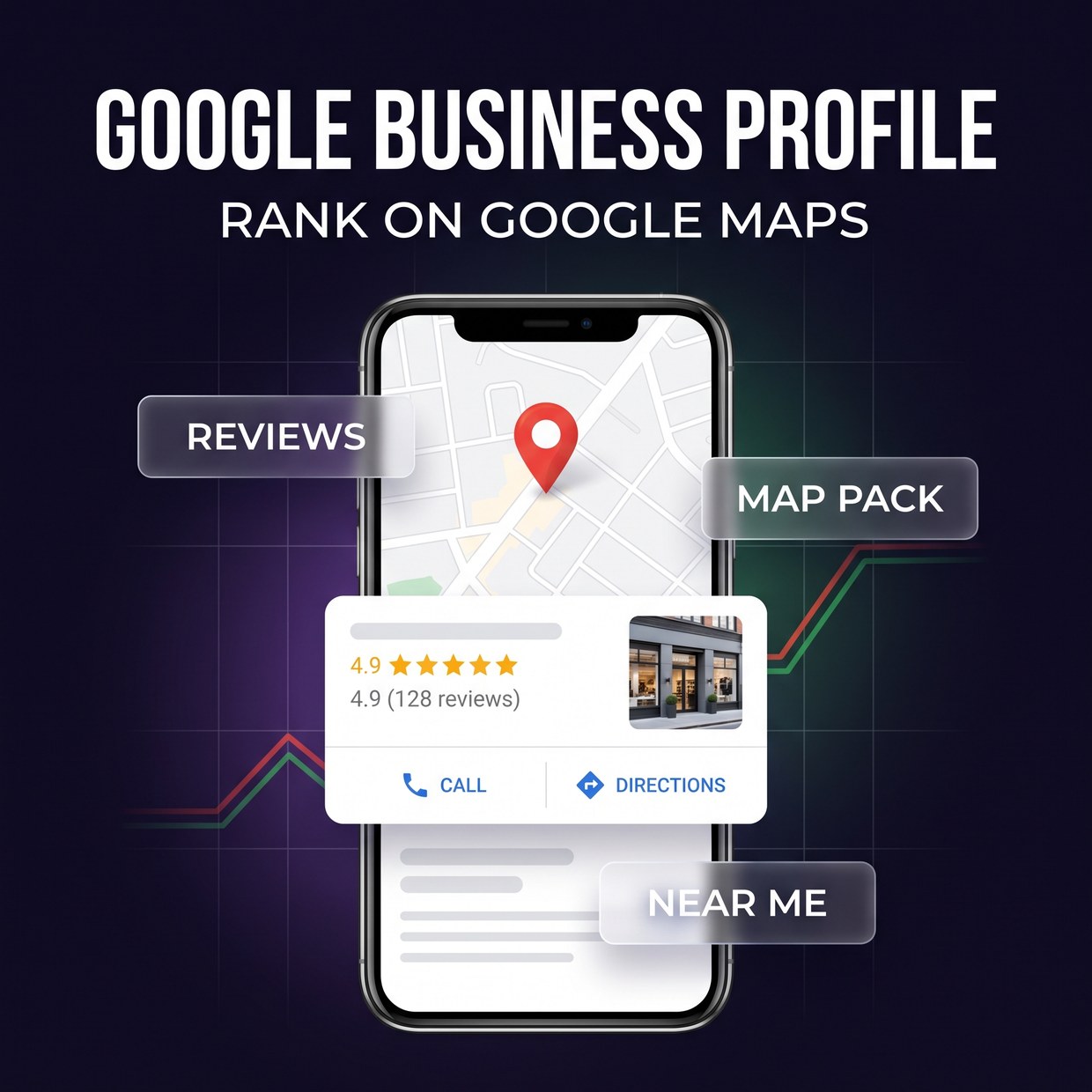
Most “near me” searches never reach a website — they end in the map pack. When someone searches on their phone for a nearby service, Google shows a map with the top three local listings before any normal search results. People call, get directions, or tap through straight from that card. If you're not in it, you don't exist for that customer, no matter how good your website is. For a local Pakistani business, ranking in this map pack is often more valuable than ranking in the blue links below it — and it's driven almost entirely by your Business Profile, not your site.
1. Claim and verify your profile first
Nothing else works until your profile is claimed and verified. Search your business name on Google — if a listing already exists (Google auto-generates many), claim it; if not, create one at google.com/business. Then verify that you own it, which in Pakistan is usually a postcard with a code sent to your address, and sometimes phone, email, or video verification depending on the business. This step proves the business is real and hands you control. An unverified profile shows little and ranks poorly, so finish verification before you touch anything else.
2. Complete every single field
Google rewards complete profiles — a half-filled one quietly loses to a finished competitor. Fill in everything: business name (exactly as it appears on your signboard, no keyword stuffing), address, service area, phone, website, hours (including special hours for Eid and public holidays), and a full description. Add your attributes — “wheelchair accessible,” “cash only,” “home delivery,” “free Wi-Fi” — because customers filter by them. Completeness is both a ranking signal and a trust signal; every empty field is a small reason for a customer to pick someone else.
3. Choose the right categories
Your primary category is one of the strongest things you control for ranking. Pick the single most accurate primary category — “Beauty salon,” “Dental clinic,” “Biryani restaurant” — because Google leans on it heavily to decide which searches you show up for. Then add relevant secondary categories for the other things you do. Don't pick a broad or wrong category hoping for more reach; a precise category shown to the right searchers beats a vague one shown to everyone. If a competitor outranks you, check what category they chose.
4. Make reviews your growth engine
Reviews are the biggest lever you have — for both ranking and for winning the customer's click. The number of reviews, how recent they are, and your star rating all feed local ranking, and they're also the first thing a customer judges you on. Build a simple habit: ask every happy customer for a review, and make it effortless by sending them your direct review link over WhatsApp. Reply to all of them — thank the positive ones, and answer the negative ones calmly and helpfully, because how you handle a bad review often matters more to onlookers than the review itself. Never buy fake reviews; Google detects and removes them, and it can get your profile suspended.
5. Keep your NAP consistent everywhere
Your Name, Address, and Phone number must match exactly across every place they appear online. This is “NAP consistency,” and it's a quiet but real ranking factor. If your profile says “Shop 4” but Facebook says “Shop No. 4” and your website lists an old number, Google gets less confident your business is legitimate, and that costs you rankings and trust. Pick one exact format for your name, address, and phone, and use it identically on your website, Facebook, Instagram, and any directory you're listed in. Fix the mismatches once and keep them aligned.
6. Add photos — and keep adding them
Profiles with real, regularly updated photos get more views, calls, and direction requests. Upload genuine pictures of your storefront, interior, team, and products — not stock images. Customers use photos to decide whether a place is clean, real, and worth visiting, and fresh uploads signal to Google that the business is active. Make a light habit of adding a few new photos every couple of weeks. For a restaurant, salon, or boutique especially, strong photography is often what turns a listing view into a walk-in.
7. Use Posts, Q&A, and messaging
The features most businesses ignore are exactly where you can pull ahead. Use Google Posts to share offers, new arrivals, and events — they show right on your profile and signal activity. Seed the Q&A section by asking and answering the questions customers actually ask (“Do you have parking?”, “Do you deliver?”), so a wrong answer from a stranger doesn't sit there unchallenged. If you can respond quickly, turn on messaging so customers can reach you straight from the profile. Every one of these is free, and each one makes your listing more useful than a competitor who set theirs and forgot it.
A simple monthly routine
A Business Profile isn't set-and-forget. A light monthly loop keeps you ahead:
- Ask for reviews weekly. Send your review link to happy customers over WhatsApp — aim for a steady trickle, not a one-time burst.
- Reply to every review and question. Positive and negative, within a day or two.
- Add fresh photos. A few new real images every couple of weeks.
- Post an update. One offer, event, or announcement a month via Google Posts.
- Check your info. Confirm hours, phone, and address are still correct — especially before Eid and holidays.
How it connects to the rest of your SEO
Your Business Profile and your website work together. A profile gets you into the map pack; a fast, clear website with local content and proper SEO reinforces your relevance and catches the searches that go beyond the map. Consistent reviews and NAP strengthen both. If you also want to show up when people ask AI assistants for recommendations, that's the newer discipline we cover in how to get your brand cited in ChatGPT and AI Overviews — and a well-maintained Business Profile feeds those engines too.
The bottom line
Google Business Profile is the closest thing to free customers a local Pakistani business will find in 2026 — and because most competitors neglect theirs, doing it properly is an easy way to win. Claim it, verify it, complete every field, earn genuine reviews, keep your details consistent, and stay active. That's what puts you in the three-result map pack where the ready-to-buy customers are looking. If setting this up and maintaining it monthly is more than your team can take on, that's exactly what our SEO & local search service handles — profile optimization, reviews, and ranking, with reporting every week.
Frequently asked questions
Is Google Business Profile free?
Yes, Google Business Profile (formerly Google My Business) is completely free. You can create, verify, and manage your listing, add photos, post updates, and reply to reviews at no cost. It's one of the highest-return free tools a Pakistani business has, because it puts you on Google Maps and in the local results when nearby customers search for what you sell.
How do I verify my Google Business Profile in Pakistan?
After creating your profile, Google asks you to verify that the business is real and that you own it. In Pakistan this is usually done by postcard sent to your business address with a code, or sometimes by phone, email, or video, depending on the business type. Enter the code Google gives you to complete verification. An unverified profile has limited visibility, so finish this step before anything else.
How do I rank higher on Google Maps?
Google ranks local results mainly on relevance, distance, and prominence. To improve, complete every field on your profile, pick the right primary category, keep your name, address, and phone number consistent everywhere online, add real photos regularly, and earn steady, genuine reviews. A complete, active, well-reviewed profile close to the searcher will almost always outrank a bare one.
How important are reviews for local ranking?
Very. Reviews are one of the strongest local-ranking signals and the single biggest trust factor for customers choosing between listings. Both the number of reviews and their recency and rating matter. The best approach is to ask every happy customer for a review, make it easy with a direct link, and reply to all of them — positive and negative — professionally.
Do I need a physical address for a Google Business Profile?
Not always. Businesses that serve customers at a location (a salon, clinic, or restaurant) list their address. Service-area businesses that go to the customer (home services, delivery-only) can hide the address and set a service area instead. Online-only businesses with no in-person contact generally don't qualify. Choose the type that honestly matches how you operate.