The short answer
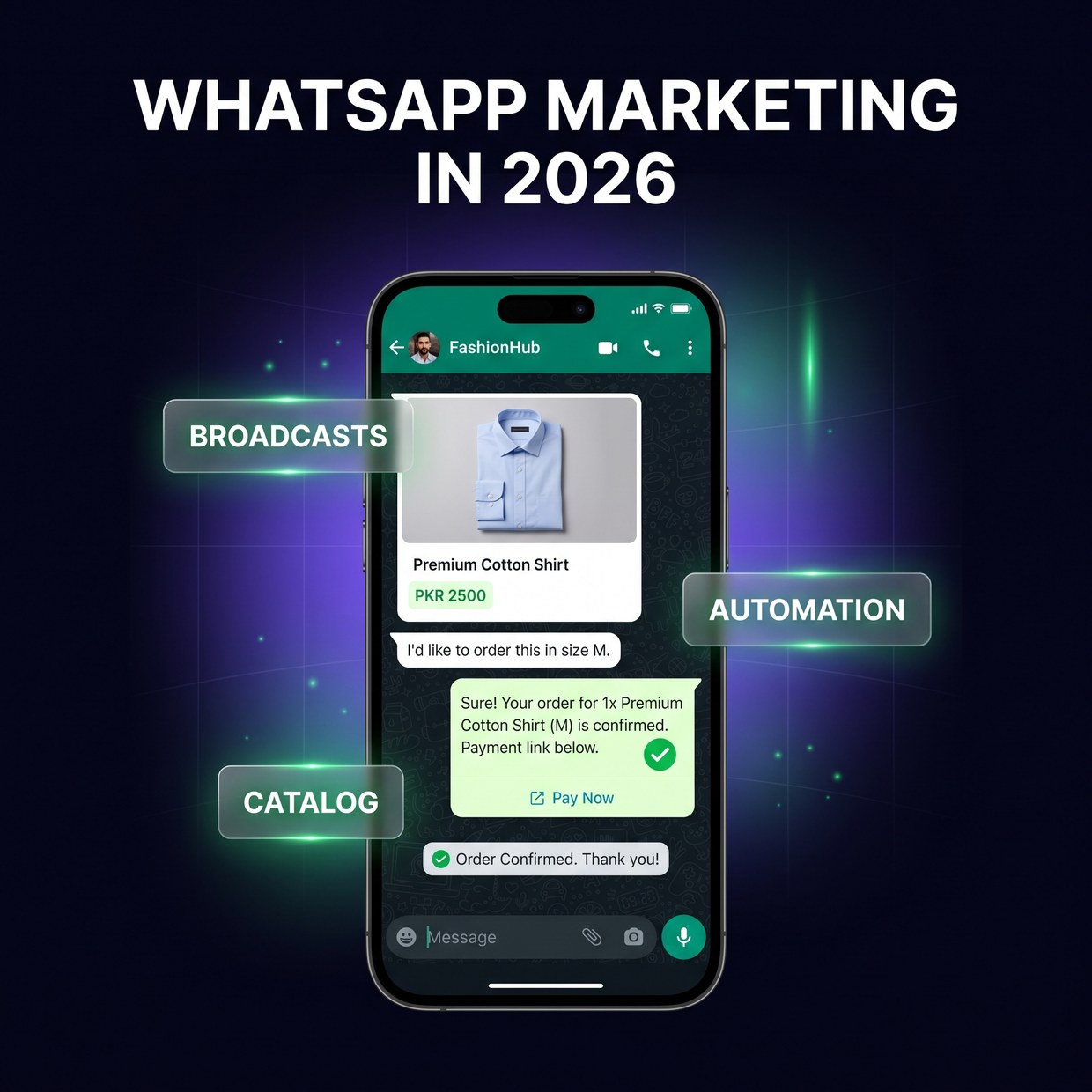
Treat WhatsApp as a sales channel, not a chat app. Start on the free WhatsApp Business app with a proper catalog and quick replies, collect numbers with consent, send useful broadcasts instead of spam, drive new buyers in with click-to-WhatsApp ads, and automate the repetitive messages — order confirmations, reminders, follow-ups — so nothing slips through. Do that and WhatsApp becomes the cheapest, fastest-closing channel your business has. Buy a list of random numbers and blast them, and you'll get your number banned instead.
What is WhatsApp marketing?
WhatsApp marketing is the practice of using WhatsApp — either the free Business app or the Business API — to reach, sell to, and support customers directly inside chat, through a product catalog, broadcast messages, click-to-WhatsApp ads, and automated confirmations and reminders. In Pakistan, where buyers prefer to ask questions and confirm an order in conversation rather than on a website, WhatsApp is less a support add-on and more the primary place a sale actually closes.
Why WhatsApp is the real storefront in Pakistan
Pakistani buyers don't trust a “Buy Now” button the way Western shoppers do. They want to talk to a human before they pay — confirm the price is real, check if the product is in stock, ask about delivery to their city, and often pay cash on delivery. All of that happens in chat. A clothing brand, a salon, a clinic, a home-kitchen, an electronics reseller — for nearly all of them, WhatsApp is where interest becomes money. That's exactly why it deserves a strategy instead of one overwhelmed person replying between other tasks.
1. Start with the WhatsApp Business app — not your personal number
The free WhatsApp Business app already does most of what a small Pakistani business needs. It gives you a business profile with your hours, location, and website; a catalog so customers can browse products and prices inside the chat; quick replies for the questions you answer fifty times a day; labels to sort chats into “New Lead,” “Order Confirmed,” and “Paid”; and greeting and away messages so no one is left on read at 2am. Set this up properly before you spend a single rupee on anything fancier. Using your personal number instead means no catalog, no labels, and no way to hand the account to your team later.
2. Build your catalog like a mini shop
A good catalog answers “price kya hai?” before the customer even asks. Add every product with a clean photo, a clear name, the price in PKR, and a short description. When someone messages, you send them the catalog or a specific item link instead of typing details each time. This does two things: it speeds up your replies dramatically, and it makes your business look organised and trustworthy — which matters enormously when a stranger is deciding whether to send you advance payment. Keep it updated; nothing kills trust faster than “sorry, that one's out of stock” after they've decided to buy.
3. Grow a list you're allowed to message
Every number should come from someone who chose to hear from you. The safe, effective way to build a WhatsApp list is to collect numbers from people who already messaged you, bought from you, or opted in through a form, your bio link, or a “message us” button. Save them, label them, and you now have an audience you can reach directly — no algorithm in between. The dangerous shortcut is buying a database of numbers and blasting them. It feels like reach; it's actually the fastest way to rack up spam reports and get your business number banned by WhatsApp. Consent isn't just polite here — it's what keeps your account alive.
4. Use broadcasts, not spam
A broadcast list sends one message to many people individually — use it for value, not noise. New collection dropped, weekend discount, restock of a sold-out item, Eid offer, appointment slots opening — these are messages people are genuinely glad to get. Send them to your opted-in list and you'll see replies and orders within minutes. But respect the channel: message too often, or with irrelevant blasts, and people mute, block, and report you. A good rhythm for most Pakistani SMEs is a handful of broadcasts a month, each with a clear reason to open. One great broadcast beats ten ignored ones.
5. Turn Meta ads into WhatsApp chats
Click-to-WhatsApp ads are one of the highest-converting formats in Pakistan. These run on Facebook and Instagram, but the button opens a WhatsApp chat with your business instead of a website — often with a pre-filled message like “I'm interested in…”. They work here precisely because they skip the two things that lose Pakistani buyers: a slow landing page and an online checkout they don't trust. Instead, the ad drops a warm lead straight into a conversation where your team can answer questions and close on COD. If you're already running ads that get clicks but no sales, this format often fixes the leak — we broke down that exact problem in why your ads get clicks but no sales. Setting these up well is core to what our performance marketing service does.
6. Automate the repetitive messages
The messages you send over and over are the ones to automate first. Order confirmations, delivery updates, appointment reminders, “your booking is tomorrow at 4pm,” payment received, and a polite follow-up when a chat goes cold — these don't need a human every time, and forgetting them costs you money and no-shows. For basic cases, the Business app's greeting, away, and quick-reply tools cover a lot. For real automation across many customers, you connect the WhatsApp Business API to a tool that sends these on a trigger. Our own product, Zyniq Sync, does exactly this for appointment-based businesses — automatically sending booking confirmations and reminders over WhatsApp so front desks stop chasing and clients stop forgetting.
7. Know when to move from the app to the API
Upgrade to the WhatsApp Business API when manual replies stop keeping up — not before. The free app is limited to essentially one phone and manual sending. Once you have multiple agents who need to work from the same number, thousands of opted-in customers to broadcast to, or you want proper automation and CRM connection, that's the signal to move to the API (the WhatsApp Business Platform). It costs more and needs setup through a provider, but it unlocks team inboxes, template broadcasts at scale, and automated flows. Most Pakistani businesses spend a year or more happily on the free app first — don't pay for the API until your volume actually demands it.
A simple WhatsApp system that works
You don't need enterprise software to run WhatsApp well. You need a repeatable loop:
- Set up the Business app properly. Full profile, complete catalog, quick replies, greeting and away messages.
- Capture every number with consent. Save and label buyers and leads as they come in.
- Reply fast, from templates. Speed and a tidy catalog close more sales than clever pitches.
- Broadcast with a reason. A few high-value messages a month to your opted-in list.
- Feed it with click-to-WhatsApp ads. Turn ad spend into warm chats, not cold website visits.
- Automate the routine. Confirmations and reminders on autopilot so nothing is forgotten.
The bottom line
In Pakistan, WhatsApp isn't a support channel bolted onto your marketing — it is where the money changes hands. Run it like a storefront: an organised catalog, a consented list, useful broadcasts, ads that open chats, and automation that never forgets a customer. Get that right and you'll close faster and cheaper than any other channel you have. If setting up broadcasts, click-to-WhatsApp ad campaigns, and automation sounds like more than your team can take on, that's exactly what our social media management and performance marketing services handle — end to end, with weekly reporting.
Frequently asked questions
What's the difference between the WhatsApp Business app and the API?
The Business app is a free app for one phone, meant for an owner or small team replying manually — it supports a catalog, quick replies, labels, and away messages. The Business API is for larger volumes: multiple agents on one number, approved template broadcasts to thousands of opted-in customers, and automation connected to a CRM or booking system. Most Pakistani SMEs start on the app and move to the API once manual replies can't keep up.
Are WhatsApp broadcasts legal in Pakistan?
Broadcasting to your own customers who messaged you or gave their number is fine. What gets accounts banned is buying number lists and blasting strangers — that violates WhatsApp's policy and triggers spam reports. Always collect numbers with consent, keep messages relevant, and offer an easy way to opt out.
How do click-to-WhatsApp ads work?
They run on Facebook and Instagram, but the button opens a WhatsApp chat with your business instead of a website, often with a pre-filled message. They convert well in Pakistan because buyers prefer to ask questions in chat before paying, and because they skip landing-page and online-checkout friction. You pay per result in Meta Ads Manager like any other campaign.
Do I need the WhatsApp API to automate messages?
For simple automation — greetings, away messages, quick replies, and a catalog — the free Business app is enough. For order confirmations, appointment reminders, follow-ups, and routing chats to multiple agents, you need the API connected to a tool. Software like Zyniq Sync can send those reminders and confirmations automatically.
How do I stop my WhatsApp Business number from getting banned?
Only message people who opted in, warm up a new number gradually instead of blasting thousands on day one, keep content relevant, and make opting out easy. High block and report rates get numbers banned — not volume itself. Never buy contact lists, and don't send the same message to hundreds of people who never asked to hear from you.